Best CRM: The complete comparison for businesses of all sizes

Customer relationship management (CRM) is crucial for any business that wants to thrive. Effective CRM software can transform your interactions with customers, improve loyalty, and boost sales. If you're looking for the best CRM solution for your small or medium-sized business (SMB), small business (SMB), or large corporation, you've come to the right place. Discover our tips for choosing the best CRM solution tailored to your specific needs.
What is a CRM and why have one?
A CRM (Customer Relationship Management) system is an integrated CRM tool that helps businesses manage their interactions with partners, prospects, and customers. It centralizes data, facilitates sales tracking, and optimizes business processes. With online CRM software, you can automate repetitive tasks, improve customer loyalty, and increase the efficiency of your sales teams.
Customer relationship management software focuses on customer relationships, while an ERP (Enterprise Resource Planning) system manages the company's internal resources.
What are the advantages of a CRM?
Simplification of business tasks
A customer relationship management (CRM) tool simplifies sales tasks by automating prospecting and sales follow-up processes. This allows your teams to focus on high-value activities, such as closing deals and negotiating with customers.
Improving customer loyalty
With customer relationship management (CRM) software, you can better understand your prospects and personalize your interactions. This strengthens loyalty and increases satisfaction. A satisfied customer is more likely to return and recommend your business.
How to choose the best CRM?
Choosing the best customer management software requires considering several essential criteria:
Criterion 1: Customization features
The software should offer customization features to adapt to your specific needs. Configure CRM dashboards, segment your customers, and personalize reports to better meet your business requirements.
Criterion 2: Ease of integration with other tools
Good software integrates easily with your existing tools and applications, facilitating data centralization and team coordination. Common integrations include marketing, communication, and project management platforms.
Criterion 3: Cost and ROI
Cost is a key factor in choosing software. Compare pricing plans and evaluate the return on investment (ROI). Effective software can generate profits by increasing sales and reducing costs.
Criterion 4: Ease of use
A tool must be intuitive and easy to use to encourage adoption by your teams. A user-friendly interface reduces training time and increases user efficiency.
Criterion 5: Support and assistance
Ensure that the software you choose offers good support and assistance resources. Responsive support is crucial for quickly resolving issues and maintaining business continuity.
Top 5 best customer management software
| CRM Tool | Strengths | Prices | Official Website |
|---|---|---|---|

|
Complete CRM system, customization, cloud, multiple integrations, open source | Starting from €25 per user/month | Visit the site |
|
Free version, easy to set up, contact management, HubSpot CRM | Free with paid options | Visit the site |
|
Task automation, data analysis, flexibility | Starting from €12 per user/month | Visit the site |

|
Sales pipeline management, intuitive interface, mobile accessible | From €12.50 per month | Visit the site |

|
Integration with Microsoft products, robust CRM solution, advanced sales management tools | Starting from €40 per user/month | Visit the site |
Frequently Asked Questions about Customer Management Software
How much does customer management software cost?
The cost of customer relationship management (CRM) software varies depending on the features and the number of users. Some software offers free plans, while others can cost several hundred euros per month. It's important to choose software that offers a good return on investment (ROI) based on your specific needs.
What are the best integrations for customer management software?
The best integrations for customer relationship management (CRM) software include marketing tools, communication platforms, project management software, and customer support applications. For example, integrating your software with your email marketing tool or social media management platform can improve efficiency and data centralization.
Is customer management software suitable for small businesses?
Yes, many software solutions are designed for small and medium-sized businesses (SMBs) and very small businesses (VSBs), offering features tailored to their specific needs. They help manage customer relationships effectively without requiring large investments. Solutions like Zoho CRM and HubSpot are particularly well-suited to small businesses thanks to their flexibility and affordable pricing plans.
Which software should I choose for better customer relationship management?
For optimal customer relationship management, choose a tool that offers centralized data, sales tracking tools, and personalization features. Salesforce and HubSpot are among the best choices for comprehensive management, offering advanced features to analyze and improve your interactions with consumers.
Which software should I choose to optimize prospecting?
To optimize your prospecting efforts, choose a tool with features for task automation, segmentation, and lead management. Pipedrive and Zoho CRM are excellent for this purpose, offering powerful tools to track and convert your prospects into customers.
Which software should you choose for a high-performing sales team?
For a high-performing sales team, choose a tool that offers sales tracking, pipeline management, and advanced analytics reporting. Salesforce and Microsoft Dynamics 365 are ideal options, providing robust tools to boost team performance and optimize your business processes.
Practical tips for effective customer management software
To get the most out of your tool, follow these tips:
- Train your teams: Make sure that everyone using the tool fully understands its features and knows how to use it effectively.
- Centralize your data: Import all customer data into the software for a complete and up-to-date overview.
- Customize your tool: Adapt the fields and sections of the software to your specific needs for better information management.
- Automate repetitive tasks: Use automation features to save time and reduce errors.
- Analyze the data: Use the built-in analytics tools to assess your performance and adjust your strategies accordingly.
Introducing the CRM Function of Marvin Recruiter
At Marvin Recruiter, our integrated CRM tool is designed to meet the customer relationship management needs of modern businesses. Our cloud-based CRM solution offers centralized customer relationship management, making it easy to track leads and manage interactions with your partners.
With Marvin Recruiter, you can automate repetitive tasks, improve customer loyalty, and optimize your business processes. Our CRM software for sales teams enables better coordination, efficient sales pipeline management, and in-depth data analysis for informed decision-making.
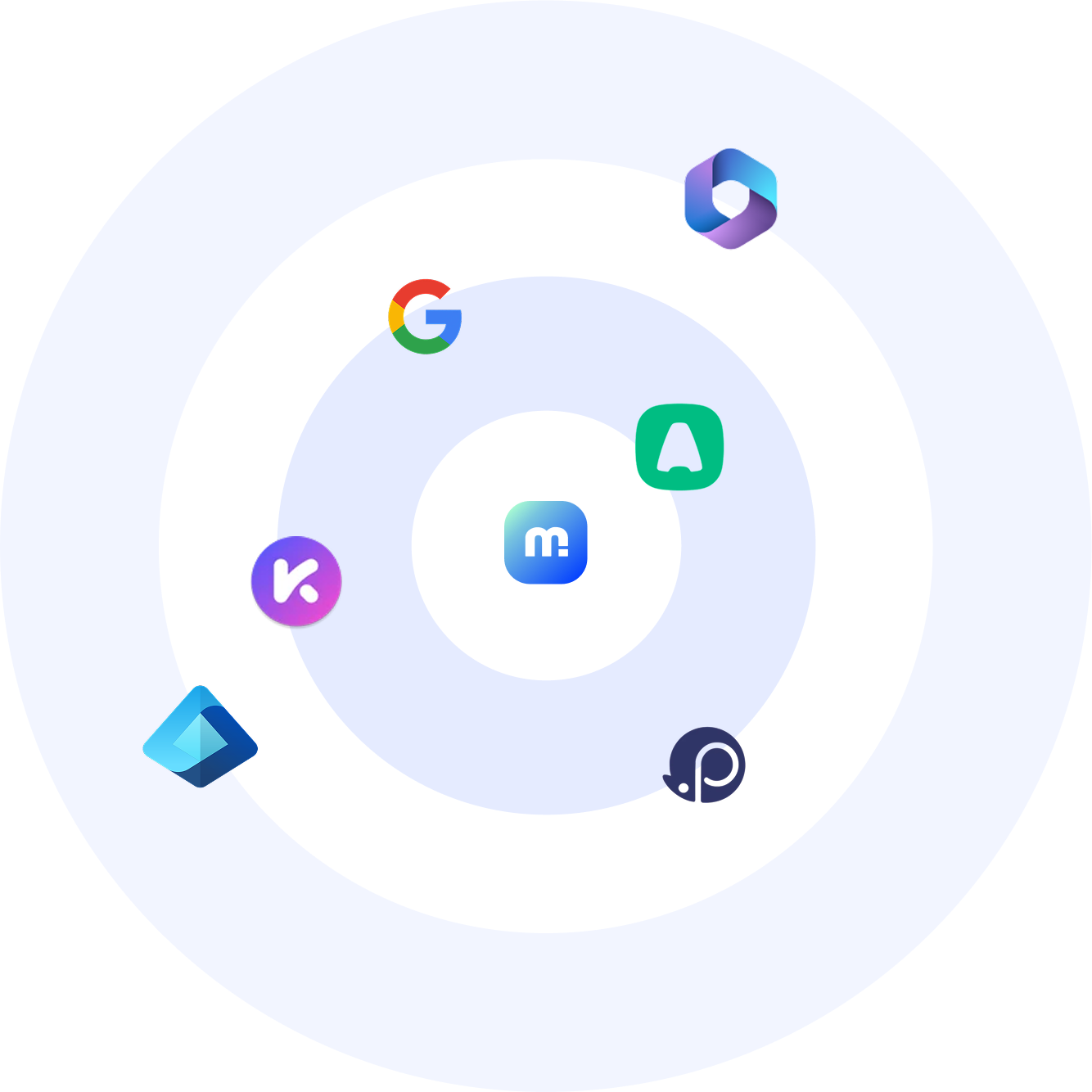
Our cloud-based CRM solution is accessible online, allowing your teams to work flexibly and collaboratively, wherever they are. Furthermore, Marvin Recruiter integrates seamlessly with your existing applications such as HubSpot, Walaxy, and Lemlist, ensuring data centralization and increased efficiency.
By choosing Marvin Recruiter, you benefit from a superior CRM solution tailored to the needs of SMEs, micro-businesses, and large corporations. Our intuitive interface and customizable features allow you to manage your relationships optimally, while ensuring process automation that reduces costs and saves time.
Discover how Marvin Recruiter can transform your customer relationship management by visiting our dedicated CRM tool page. Try our software for free and see how it can revitalize your relationships, build customer loyalty, and boost your sales performance.
CRM trends and evolution in 2024
In 2024, the evolution of CRM software continues to bring advanced features to maintain competitiveness in the market. Automated CRMs and omnichannel solutions are becoming the norm, enabling even more sophisticated customer relationship management.
Rapid Implementation and Efficient Deployment
A rapid implementation of your customer management software ensures a smooth transition and efficient adoption by your teams. Deploying modern CRM solutions allows you to quickly capture leads and start generating revenue from day one.
Activity management and lead capture
A good CRM software helps you coordinate all your business activities efficiently. Lead capture is made easier with built-in forms and advanced tracking tools, allowing you to differentiate and categorize your prospects for an optimized CRM strategy.
Managing and Optimizing CRM Functionalities
Managers can use CRM dashboards to track team performance and adjust strategies accordingly. Advanced features such as segmentation, data analysis, and integration with other applications enable continuous optimization of business processes.
.png)